Archive · Microsoft Dynamics NAV Classic Client
Permissions Logger
Archived product information from the original SAN Business Solutions website.
← Back to ArchivePermissions Logger provides you with an easy and fast way to create correct authorization for Microsoft Dynamics NAV database.
This will enable you to quickly create or change security Roles, Windows Logins and Database Logins, which meet the requirements of your company.
During playing out of a role there will be an automatic logging of the permissions of the user.
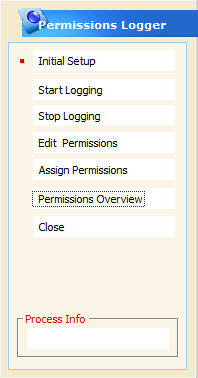
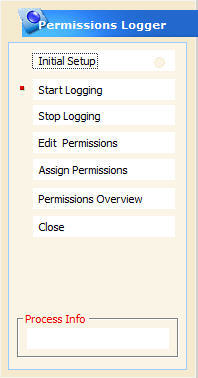
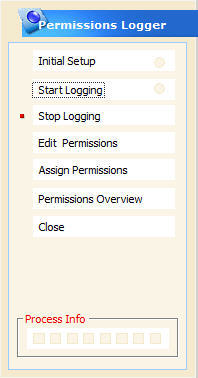
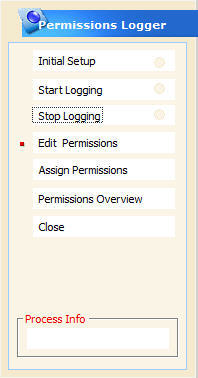
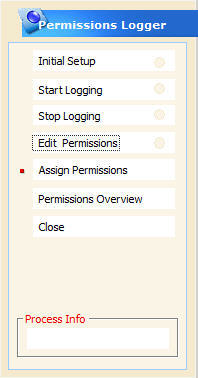
Giving permissions of the security roles is not easy, but with this tool you can do it in 5 simple steps:
- Initial Setup
- Start Logging
- Stop Logging
- Edit Permissions
- Assign Permissions
How it works